
 Free · iPhone & Apple Watch
The habit tracker you can watch fill up
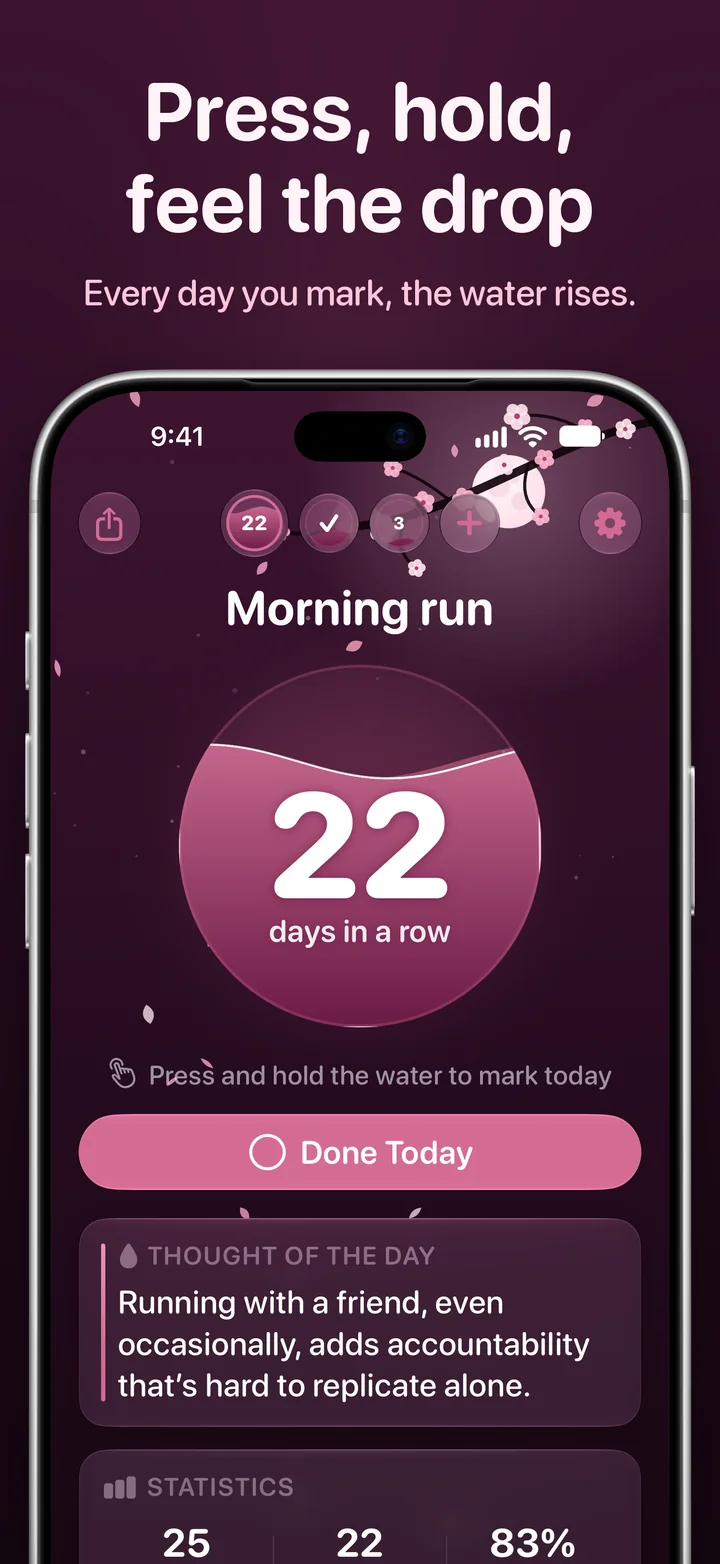
Every habit is a sphere of water. Press and hold it to mark the day, feel the drop land, and watch the water rise toward your goal. Ripply is free, with no subscription, no account and no ads.

- No account
- No ads
- No tracking
- 12 languages

How it works
Three steps, one drop a day.
Pick a habit and a goal
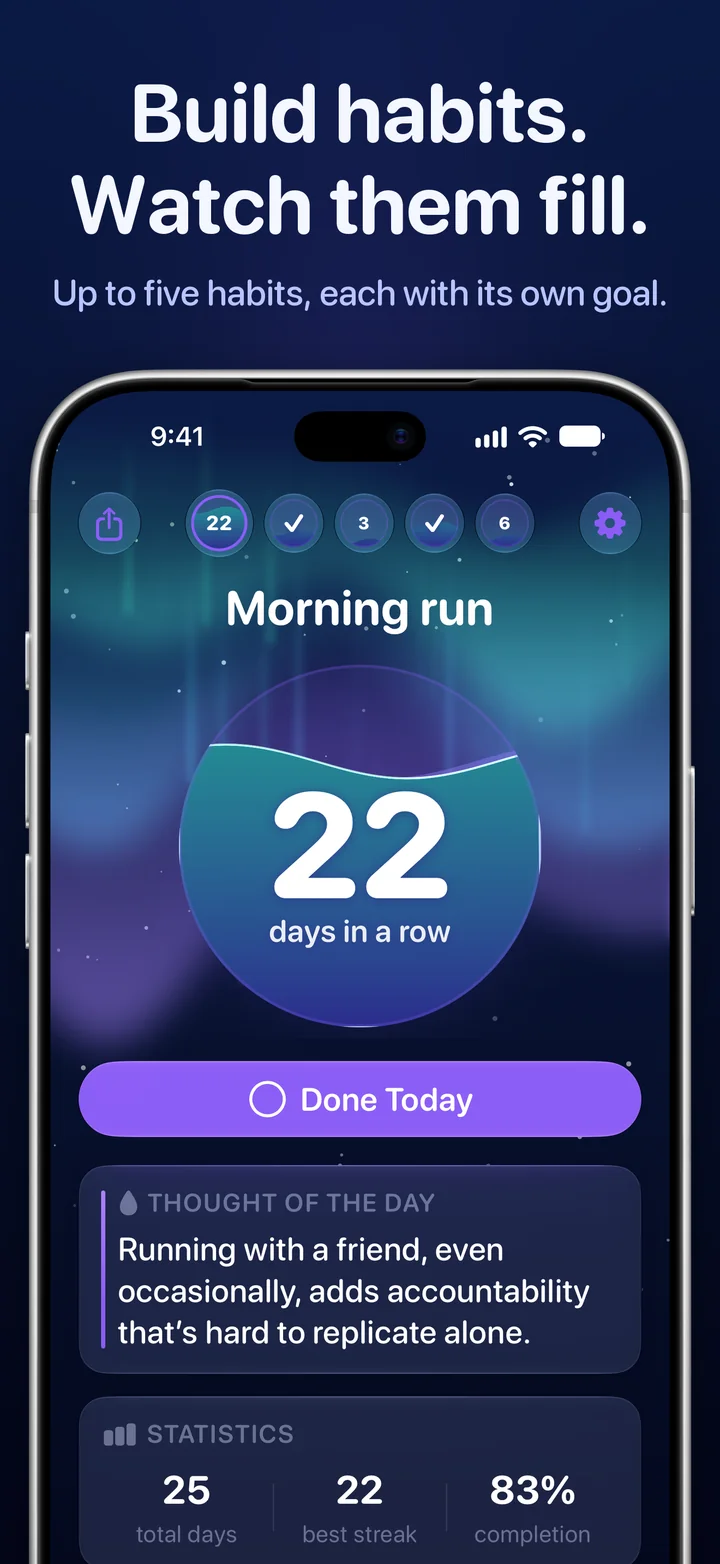
Running, reading, water, stretching: up to five habits, each with its own goal of 7, 14, 21, 30, 50, 66 or 100 days.
Hold the water to mark the day
Press and hold the sphere until the drop falls. With every day you show up, the water rises a little closer to your goal.
Keep your streak when life happens
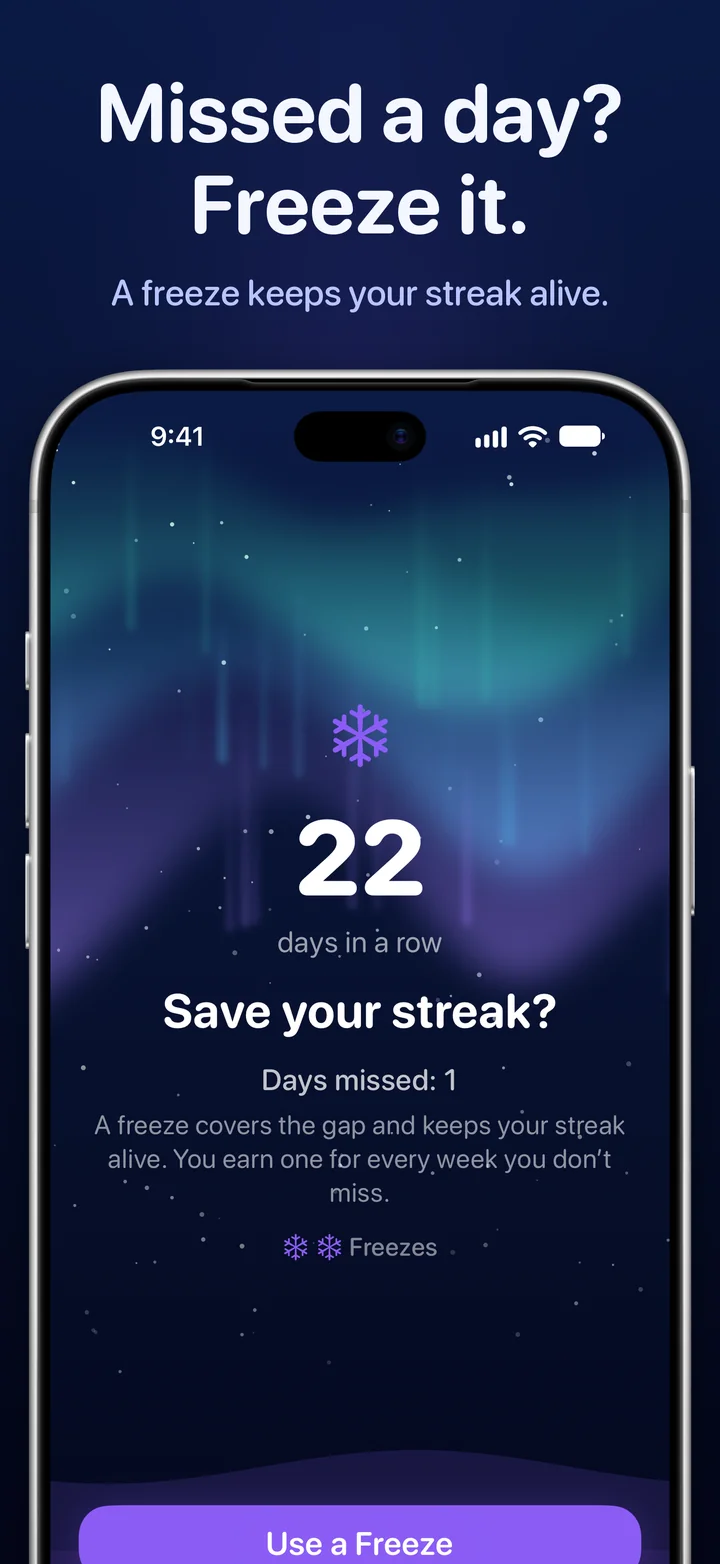
Every week without a miss earns a freeze. Miss a day, and Ripply offers to use one, so a bad day doesn’t wash away a month.
What’s inside
Small app. Everything a habit needs.
No endless lists and no complicated systems. Just the few things that help you keep a promise to yourself.
Up to five habits
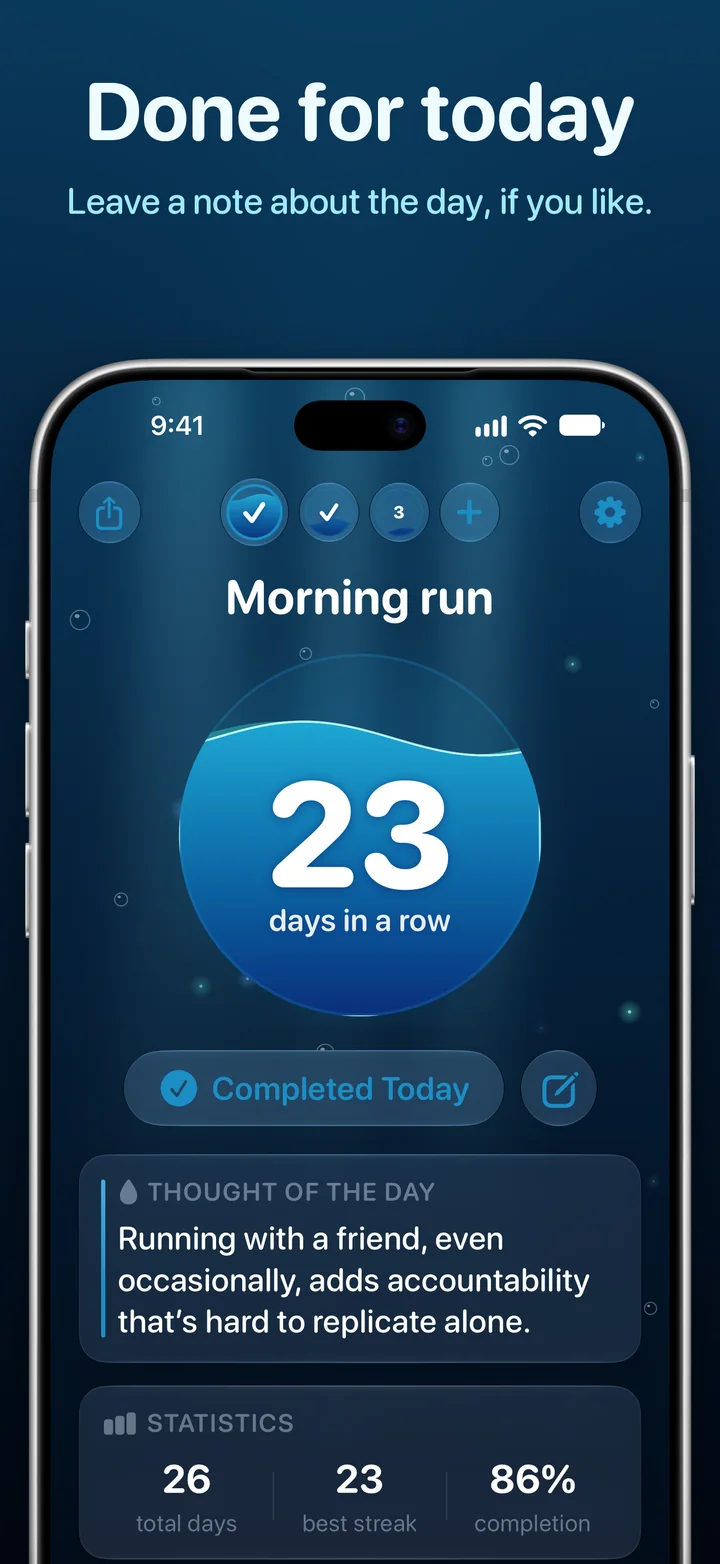
Each with its own goal and its own water. Swipe between them, or see the whole day in the row at the top.
Streak freezes
Earn one for every week you don’t miss and hold up to two. When you come back after a missed day, a freeze can cover it.
Mark it from anywhere
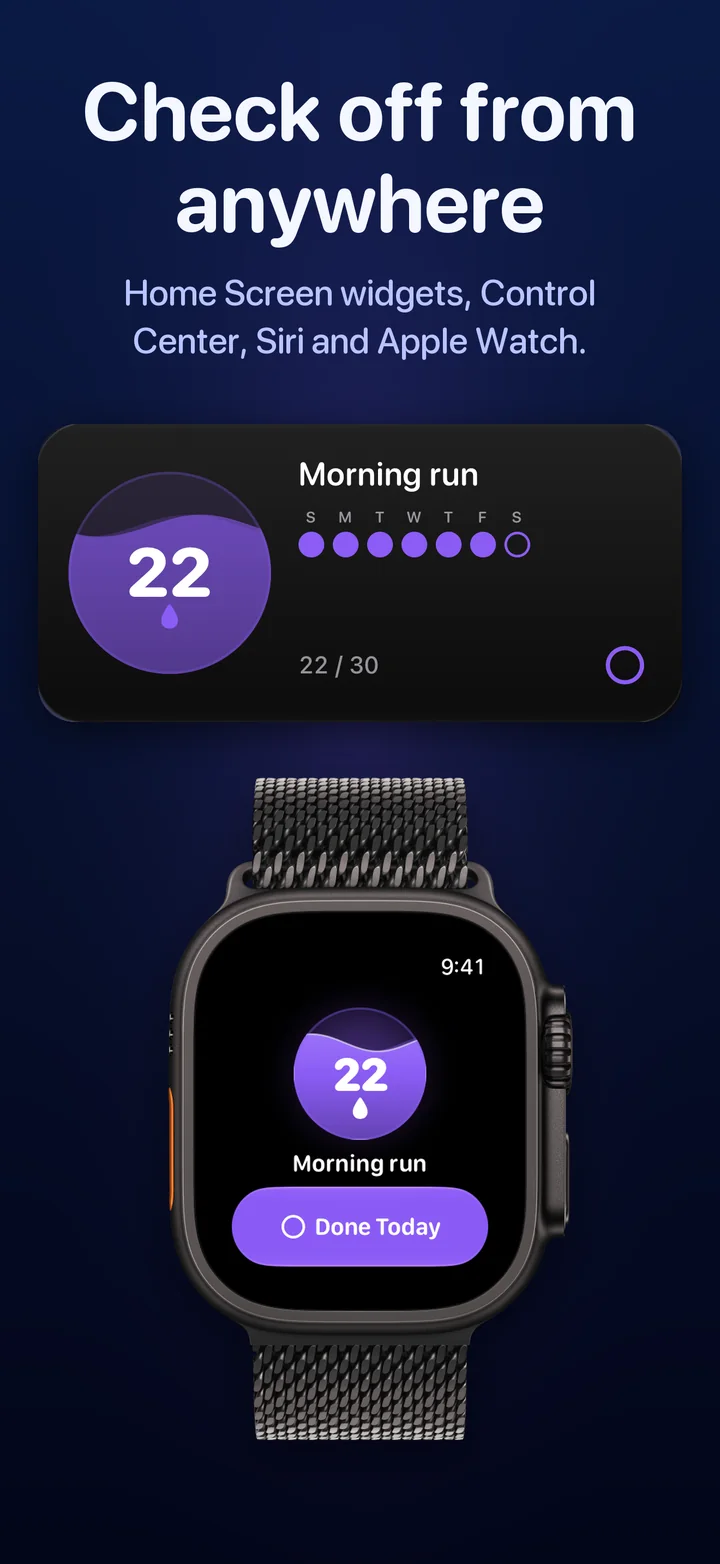
Home Screen widgets, Control Center, Siri and Apple Watch. A Lock Screen widget keeps your streak in sight.
Calendar, notes, insights
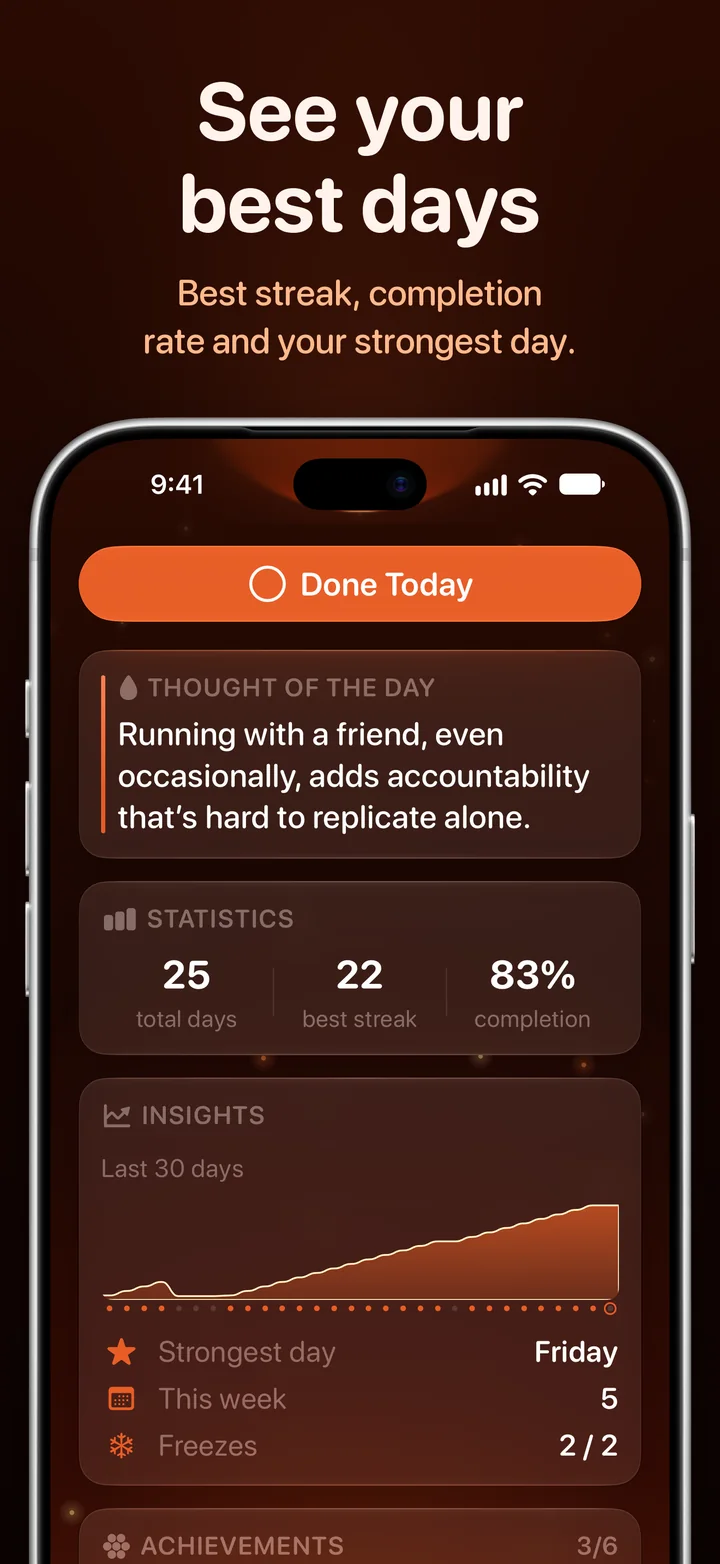
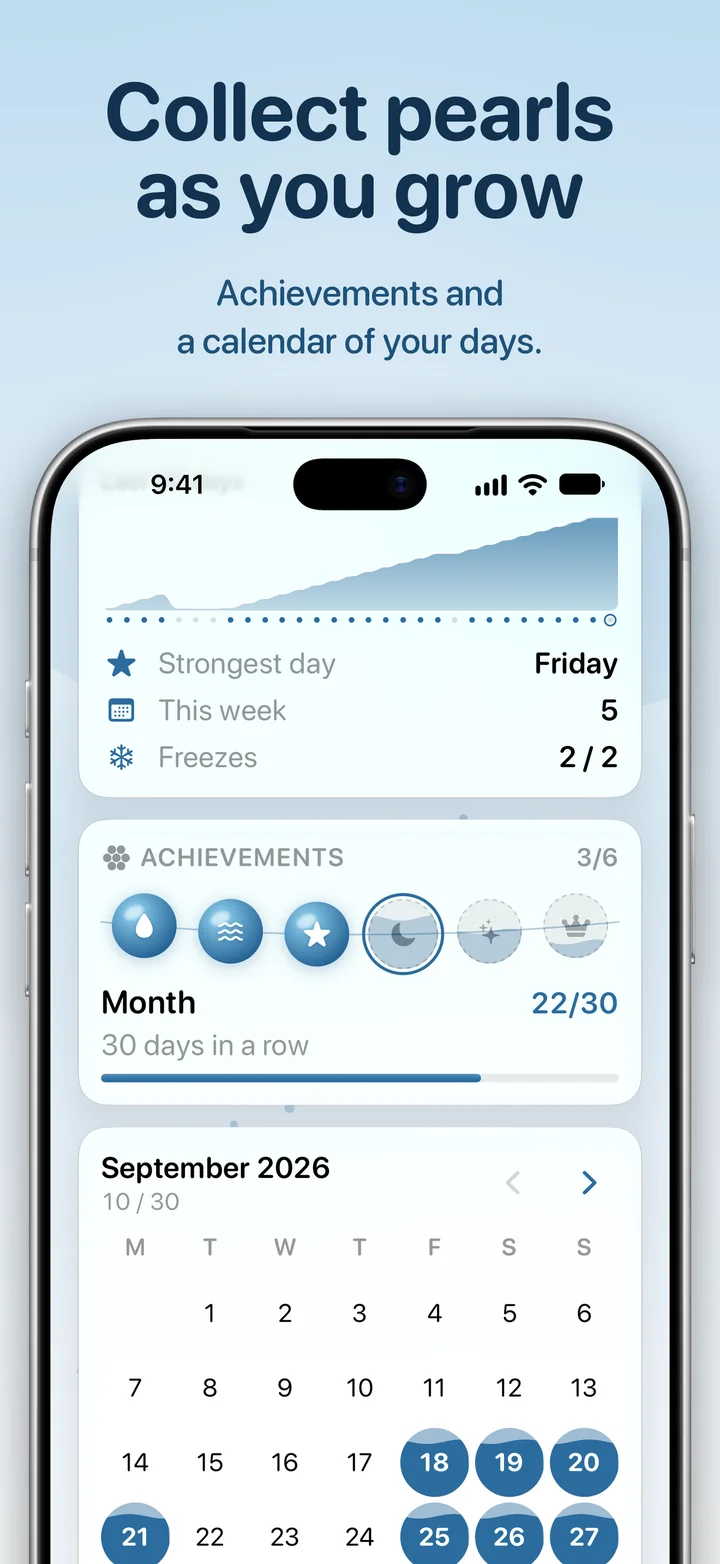
Look back on every day, add a note if you like, and see your best streak, completion rate and strongest weekday.
Pearls to collect
Your achievements are a string of pearls. The next one fills with water as you get closer.
A thought of the day
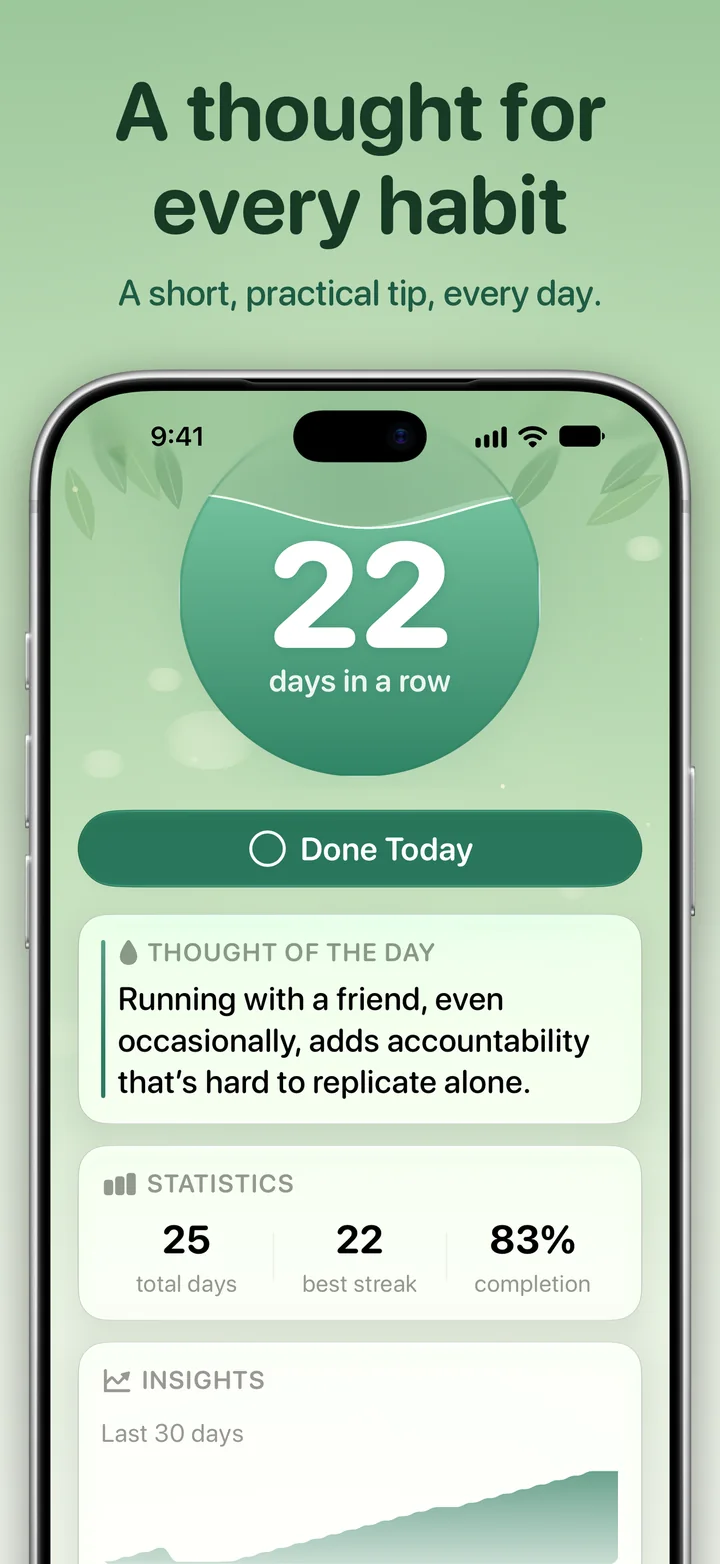
A short, practical thought that fits the habit you’re building, in your language.
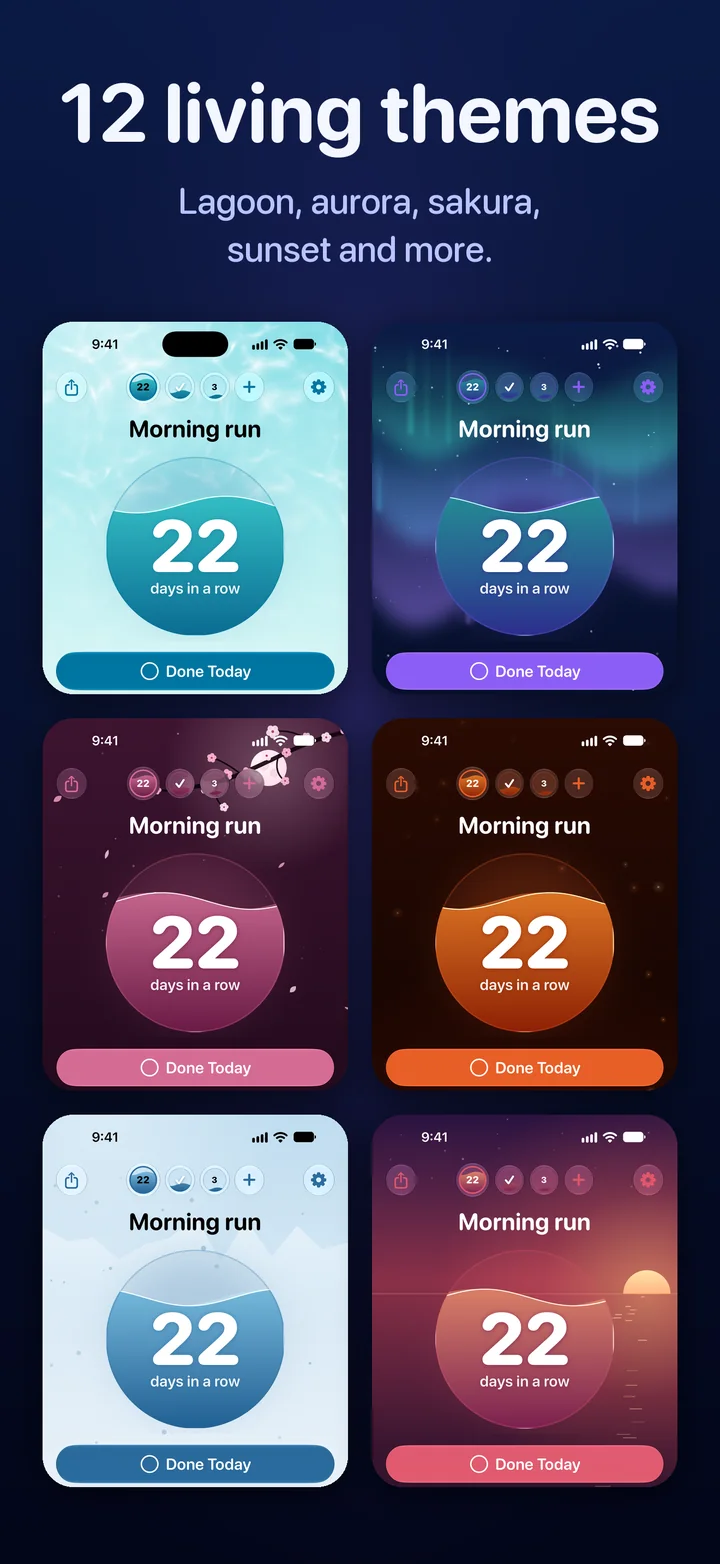
Twelve living themes
A sunlit lagoon, the northern lights, cherry blossom at dusk, the deep sea and more. Every theme moves.
Private by design
No account, no ads, no tracking. Your habits stay on your devices and in your own iCloud, and Ripply works offline.
A closer look
Every day, a little higher.
Guides
Habits, without the myths.
Short, practical guides to habit challenges and streaks, based on what research actually found.
21-Day Habit Challenge: How to Do It (and What Day 22 Is For)
Is 21 days enough to form a habit? Where the number came from, what research found instead, and a simple 21-day habit challenge plan with ideas.
Read the guide66-Day Habit Challenge: What the Study Really Found, and a Plan
Does it take 66 days to form a habit? What the famous study measured, why the range ran from 18 to 254 days, and a three-stage 66-day plan.
Read the guideNever Miss Twice: What to Do When You Break a Habit Streak
Broke your streak? What one missed day really does to a habit, what the never miss twice rule means, and how a streak freeze helps you get back.
Read the guideFAQ
Questions, answered.
Didn’t find your answer? Write to us, and a person will reply. Support · support@vektramind.com
Is Ripply free?
Yes. Ripply is free on the App Store, with no subscription and no ads.
How many habits can I track?
Up to five at a time, each with its own goal of 7, 14, 21, 30, 50, 66 or 100 days. Fewer is often easier: start with one and add the next when the first feels easy.
What is a streak freeze?
A freeze covers a missed day so your streak survives it. You earn one for every week you keep a habit going without a miss, and you can hold up to two. When you come back after missing a day, Ripply asks whether to “Use a Freeze” or “Let it end”.
Can I mark a habit from a widget or Apple Watch?
Yes. Mark it from a Home Screen widget, from Control Center, with Siri, or in Ripply on Apple Watch. The Lock Screen widgets show your streak.
Do I need an account? Where are my habits stored?
No account. Your habits stay on your devices and sync through your own iCloud, so a new iPhone brings them back. Ripply works offline and collects no data.
Will Ripply remind me?
If you like. One gentle reminder a day, at the time you choose, names the habits still waiting for you.
Which languages does Ripply speak?
Twelve: English, Russian, Ukrainian, German, French, Spanish, Portuguese (Brazil), Italian, Turkish, Japanese, Korean and Simplified Chinese.
What do I need to use it?
An iPhone with iOS 26 or later. The Apple Watch app is optional and needs watchOS 26.
Start with one habit. Today.
Ripply is free on the App Store, for iPhone and Apple Watch.